LUMAVO

Tutorials

Watch Lumavo at work.

Short films, one feature at a time, each with a transcript and a link you can send to anyone.

Bookings & Scheduling

Availability, booking workflows, and rescheduling.
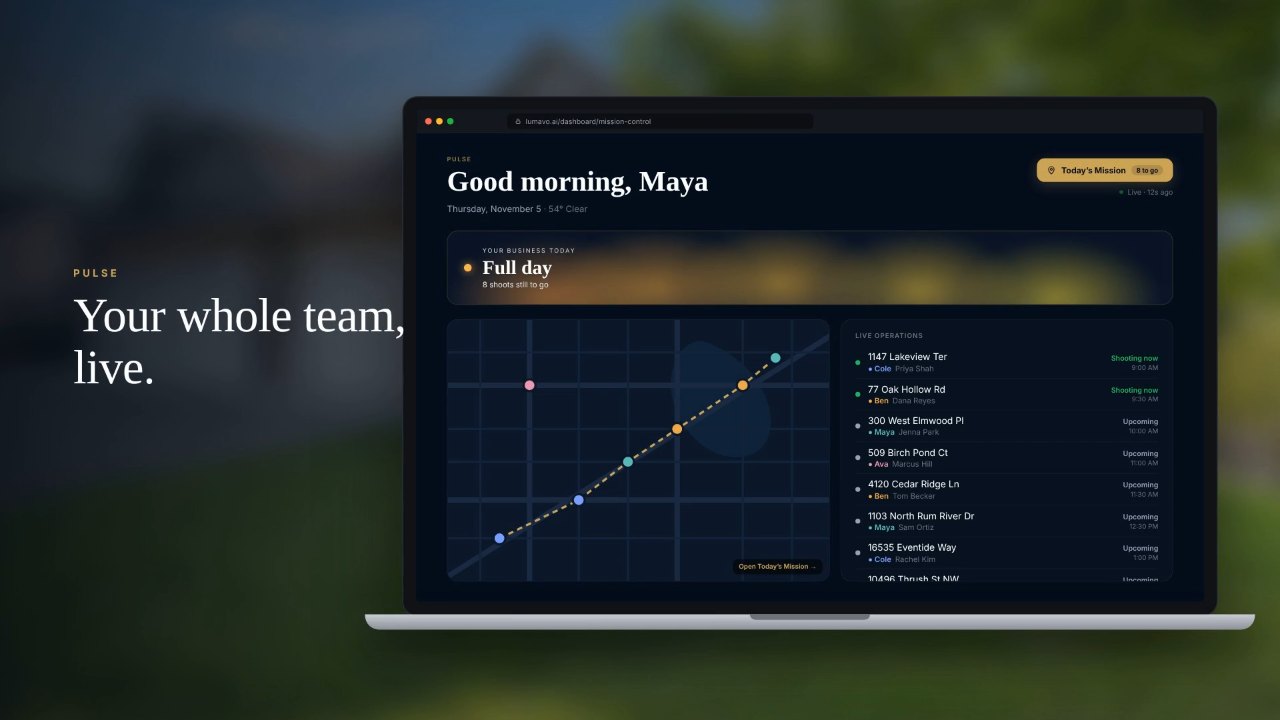
Scheduling and Pulse for real estate photography teams0:47Scheduling and Pulse for real estate photography teamsOnline booking with real availability, shoots that go to whoever is free, twilight trips timed to sunset, Pulse for the team’s day, and every shoot on Apple, Google or Outlook.

Media Delivery

Deliver listings, share galleries, and download media.

How agents receive their photos0:57How agents receive their photosWhat your agent sees when you deliver: a branded email, a full-screen delivery page, payment by Apple Pay, Google Pay or credit card, MLS or full-size downloads in one zip, and a property website.

AI Editing

Twilight, staging, decluttering, and the Aura Studio tools.

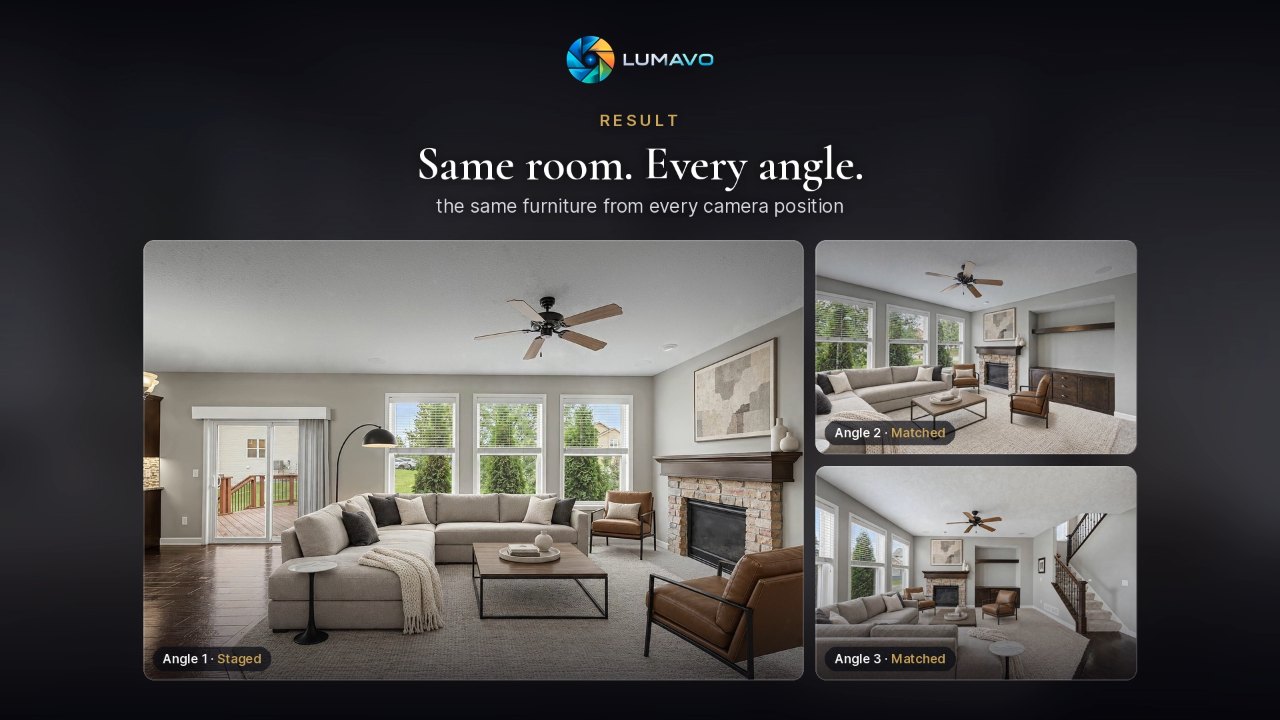
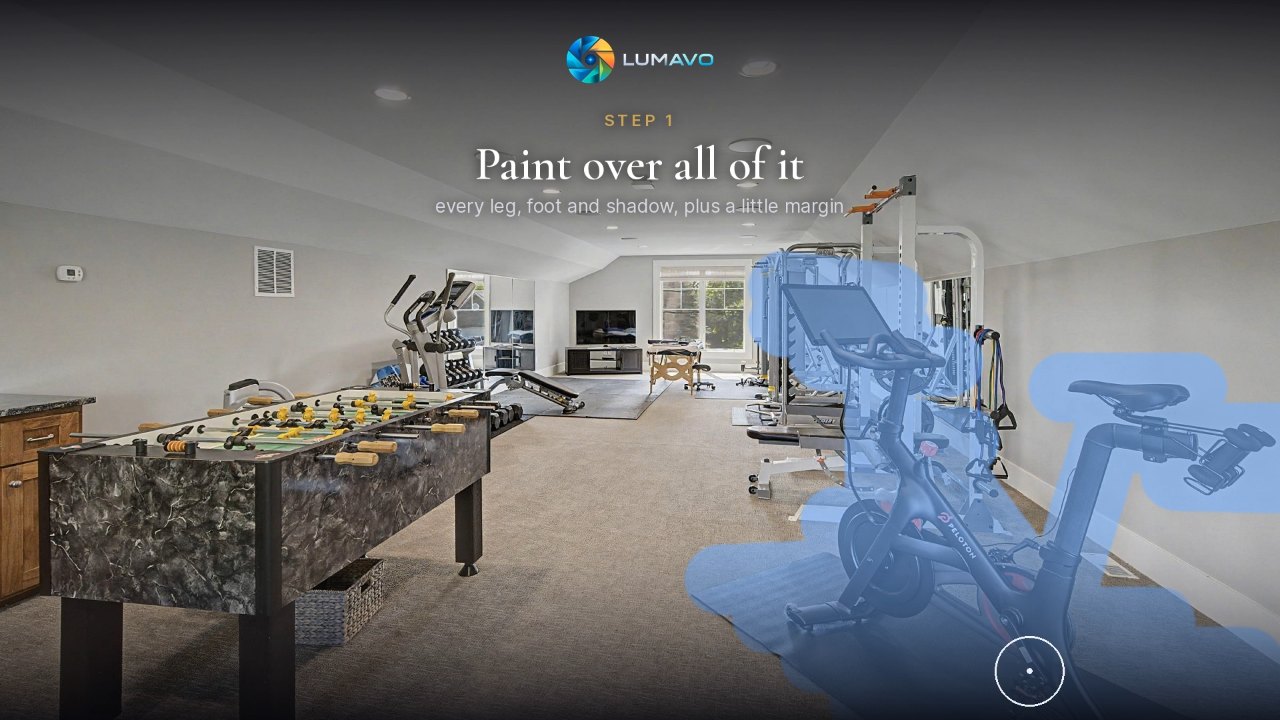
SolarSync: turn a daytime exterior into a twilight photo0:32SolarSync: turn a daytime exterior into a twilight photoStart from one daytime photo, pick the moment, and SolarSync works out where the sun really sets from the house and your camera spot, so the evening light falls where it would.Whole Home staging: stage one photo, match every angle0:26Whole Home staging: stage one photo, match every angleStage one angle of a room, and SpaceSync places the same furniture in every other angle of it, each seen from its own camera position.Director: remove anything from a photo in plain words0:20Director: remove anything from a photo in plain wordsPaint over what should change, say what you want in plain words, and run Director. Only what you painted changes; everything else stays exactly as shot.

Prefer to read? The Help Center has a written guide for every part of Lumavo.

✦ Hi, I'm Juno — Lumavo's AI.

Ask me anything, or just say hi.

Juno

Lumavo AI assistant

Hi -- I'm Juno, Lumavo's AI assistant ✦ Ask me anything: pricing, AI editing, how the workflow looks, how it compares to other platforms. What's on your mind?